Log in to Remind.com or the Remind App with your OKWU email address. If you don't know your password, you can recover it, but OKWU IT Support does not maintain that password and will be unable to assist with recovering it.
If you need it, or if the app prompts for it, the organization code for OKWU is @okunivers
Once you're signed in, find the menu button in the top left and click the down arrow for Account Settings if you're on the website, or the gear icon if you're in the app.
Website:
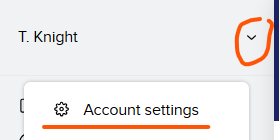
App: 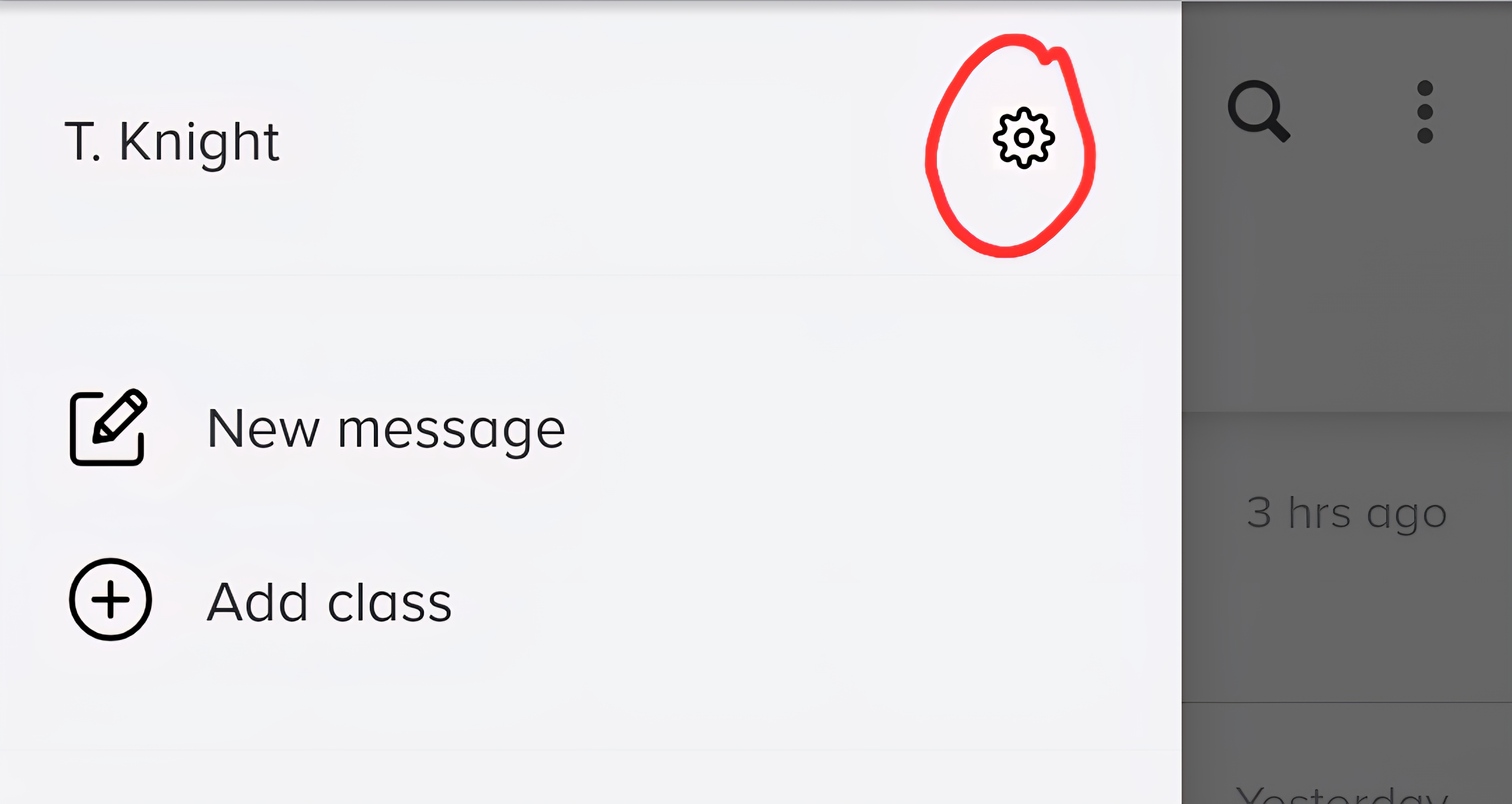
Then, on your settings page, click Notification Preferences to update where you receive notifications.
Website:
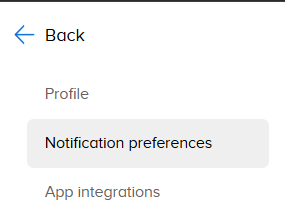
App:
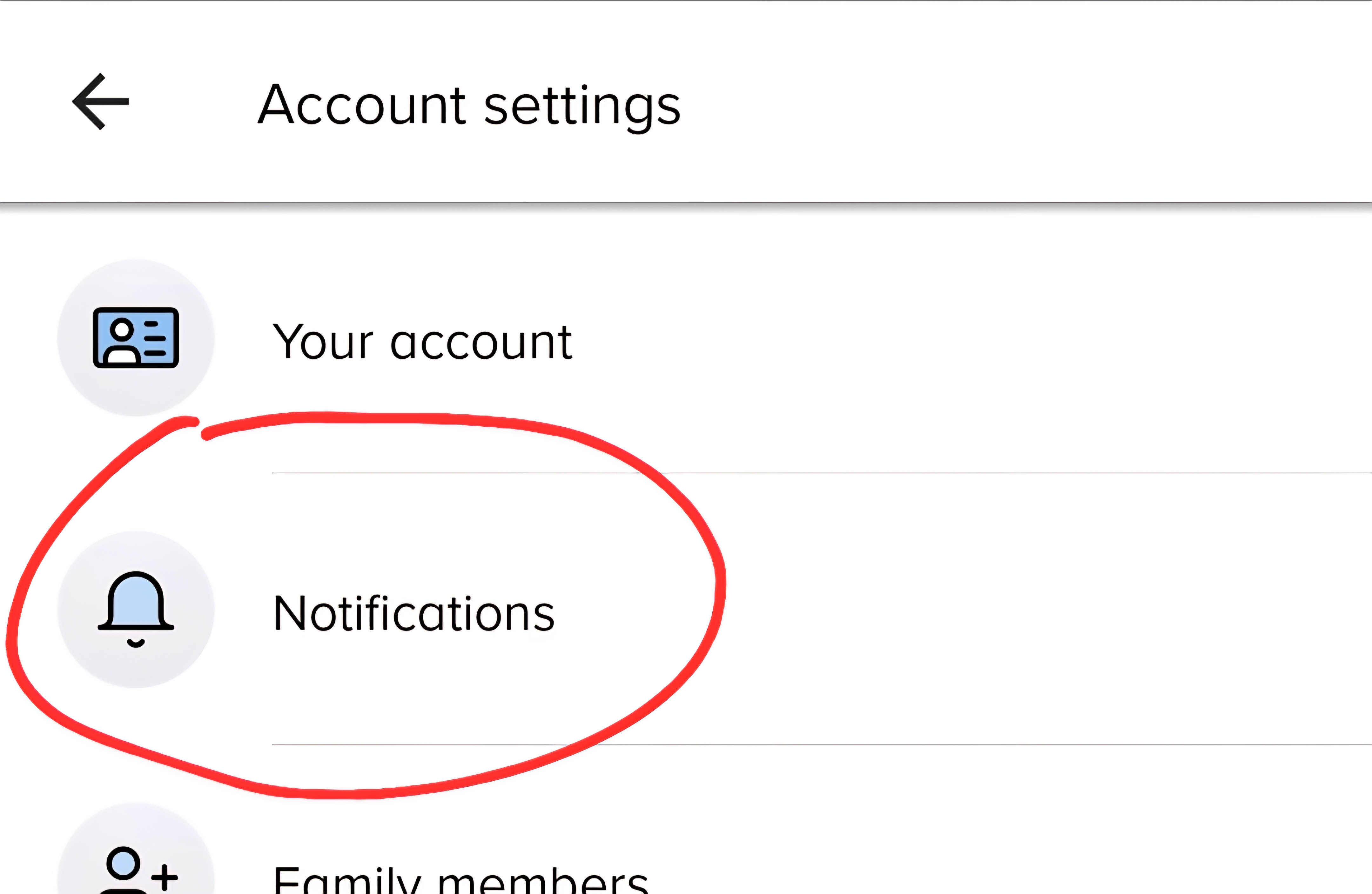
Then, in your Notification Preferences page, you can opt to receive notifications via text, email, or phone notifications from the app, as well as add alternate notification locations, like a 2nd email address or phone number.
Was this article helpful?
That’s Great!
Thank you for your feedback
Sorry! We couldn't be helpful
Thank you for your feedback
Feedback sent
We appreciate your effort and will try to fix the article